


Build the agent
Escalation & leads
How the agent hands off to a human and captures contact info.
Escalation
When an escalation trigger fires, the conversation is flagged as Escalated in the dashboard and your team is notified (Slack/Telegram handoff when configured, push, or a one-way Slack alert). You control whether the visitor also sees a handoff message — configure each trigger under Agent → Agent behavior → Boundaries.
Silent vs inform visitor
- Silent (default for high-value and mood): staff are alerted in the background; the agent keeps chatting and does not tell the visitor they are being connected or that the team was notified.
- Inform visitor (default for explicit human requests and AI-initiated escalations): the visitor sees a standard acknowledgment that the team was notified and may be asked for email.
Triggers you can configure:
- High-value / bulk / enterprise orders — bulk quotes, wholesale, custom pricing, RFPs. Silent by default so prospects stay in a natural sales conversation while your team watches live.
- Visitor mood needs attention — when mood analysis flags frustration on a visitor turn. Silent by default.
- Explicit human request — visitor asks to talk to a person. Informs the visitor by default.
- AI-initiated escalation — refunds, complaints, frustration, or owner-defined escalation rules. Informs the visitor by default.
The agent may also call the escalation tool when:
- A visitor explicitly asks to talk to a human.
- The question is high-stakes (refunds, complaints, account changes).
- The agent has tried and failed to answer.
- The visitor expresses frustration.
- An owner-defined escalation rule matches.
If Slack or Telegram live handoff is enabled, a threaded conversation opens for your team — staff reply there while the visitor stays on the website widget. The AI keeps responding in agent mode until you take Manual control, unless the visitor was informed via a handoff acknowledgment on that trigger.
Live chats & human takeover
Short version below; the full walkthrough of whisper mode, manual takeover, AI drafts, and suggested questions is in Live chats & whispers.
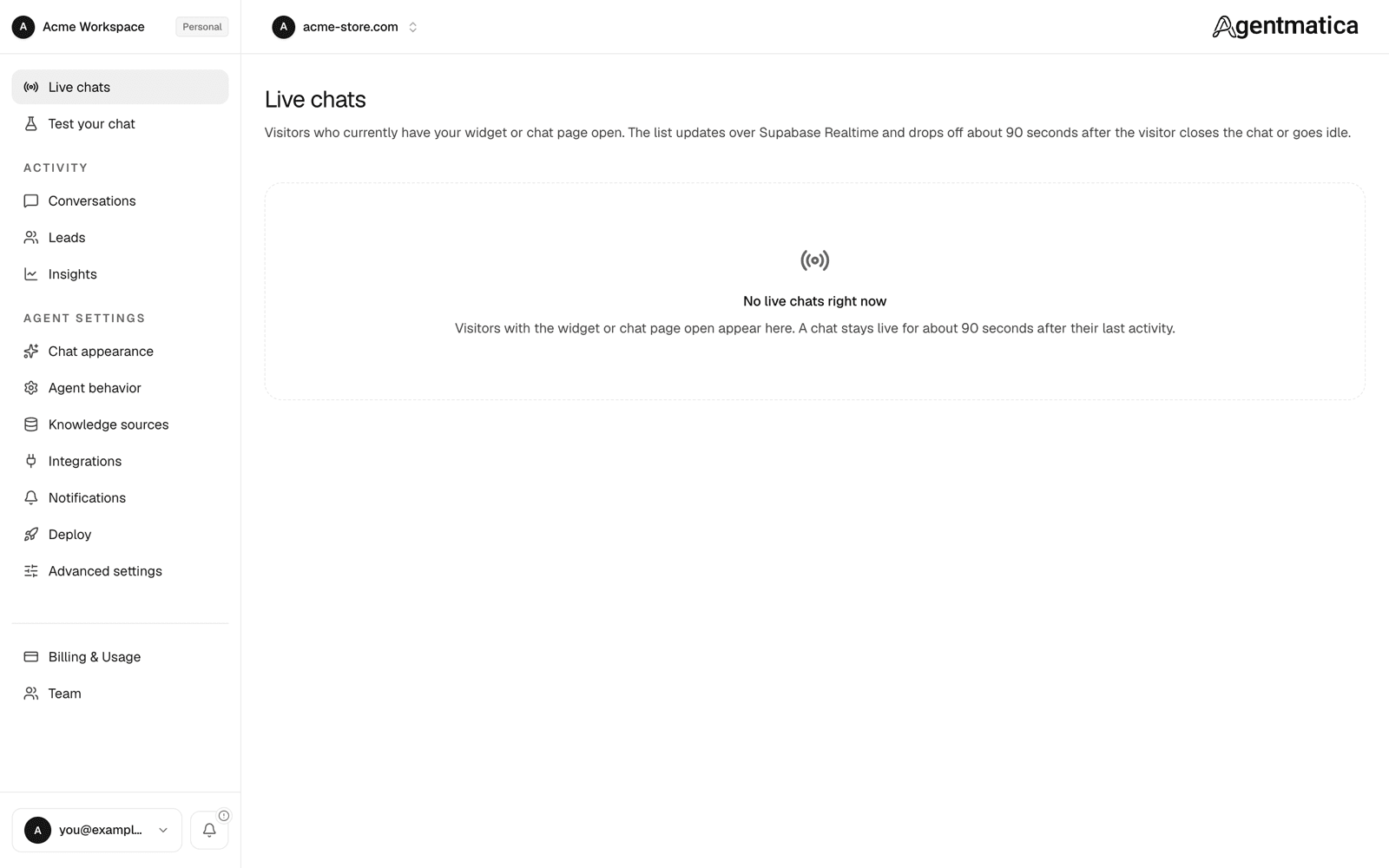
Agent → Live chats shows conversations happening right now — any visitor with the widget or hosted chat page open. A chat stays live for about 90 seconds after their last activity.
Open a live chat to watch it in real time. With Manual off, you can send live directives — private coaching for the AI (for example, offer a discount or steer the conversation). Directives stay active until you toggle them off or delete them (max 5 active at once) and are never shown in the widget. In agent settings you can enable Re-reply when coaching is added mid-conversation so the agent sends a follow-up immediately when a new directive is not already reflected in its last reply — without waiting for the visitor to message again. Turn Manual on to reply yourself; your messages go straight to the visitor.
While you're in manual control the AI stops replying and your messages go straight to the visitor. Hand back to the agent whenever you're done. If “Tell visitors when a team member is replying” is enabled in Chat appearance, the widget shows a banner so the visitor knows a human joined.
Lead capture
The agent only captures contact info after the visitor volunteers it — never cold. Patterns that trigger capture:
- “Have someone reach out to me at
x@y.com” - “I'd like a demo — email is
x@y.com” - Volunteering a name, email, phone, or use case in conversation.
Where leads land
- Dashboard:
Agent → Leads. CSV export for the full history. Older leads move to the Archived tab after the hot retention window — contact info stays exportable. - Email: the agent owner gets a notification with contact info and a link to the transcript. Opt out per agent.
- Slack / Telegram: connect on Integrations for alerts and live handoff. See Slack and Telegram.
- Custom webhook: POST events to your own HTTPS endpoint (Zapier, CRM, helpdesk). See Custom webhook for payload format and HMAC verification.
- Zendesk: create support tickets on lead capture or escalation. See Zendesk integration.
Follow-up suggestions
After substantive answers, the agent surfaces 3 short follow-up questions a visitor might ask next. This is built in and turned on by default. It helps visitors discover what else your agent can do.