


Get started
Quickstart
From signup to a working agent on your site: create an account, add your website, try the answers, then put the widget live.
1. Create an account
Sign up at /signup. We auto-create your personal workspace and route you into the onboarding wizard.
2. Point us at a website
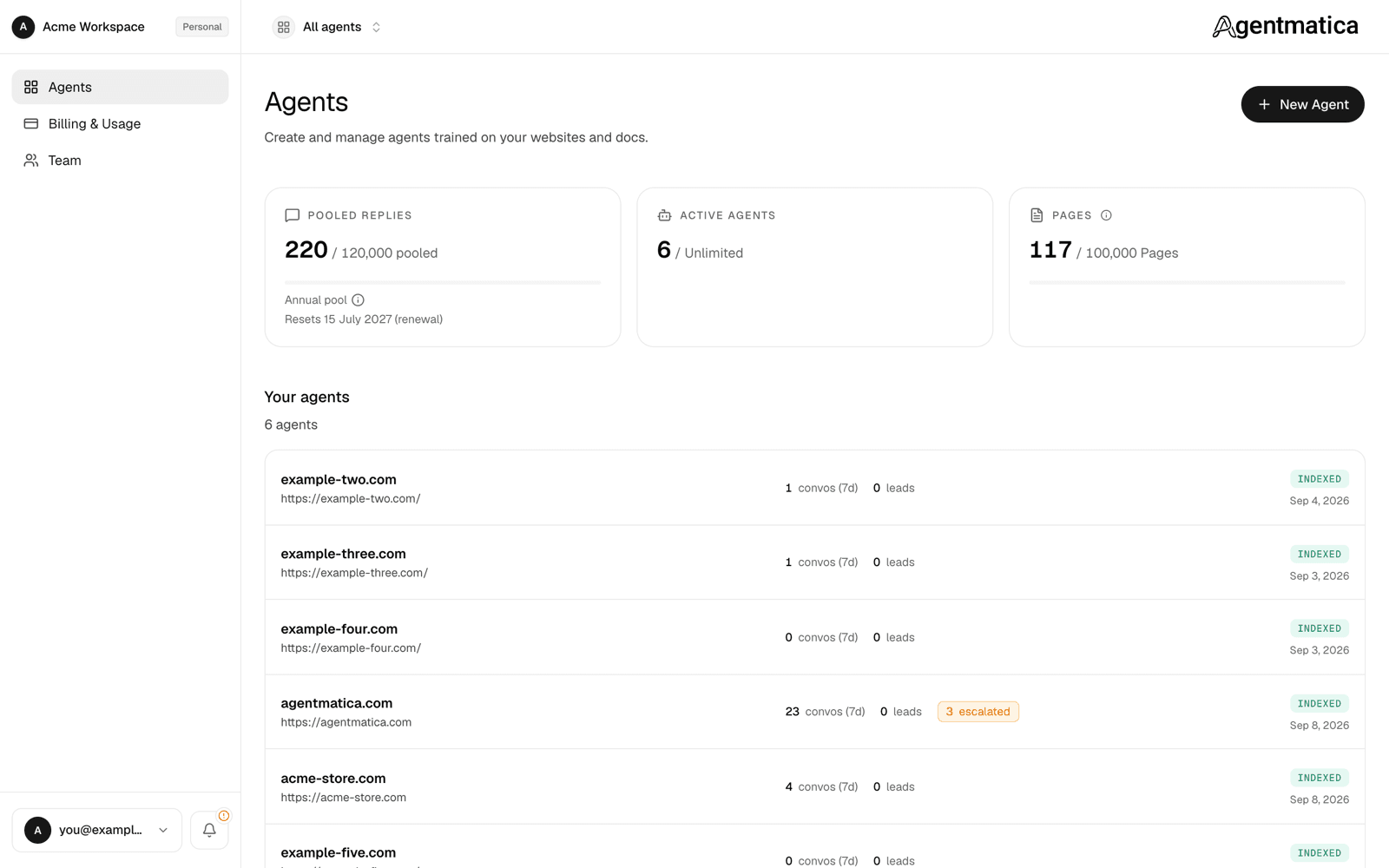
In the onboarding wizard, paste the URL you want the agent trained on — your marketing site, docs, help center, anything public. (Later agents start from Create a new agent on the dashboard home.) We crawl it, embed every page, and keep the index in sync with the source.
Most sites finish crawling within a few minutes. Larger sites can take longer — your agent stays usable while indexing continues in the background.
3. Test the agent
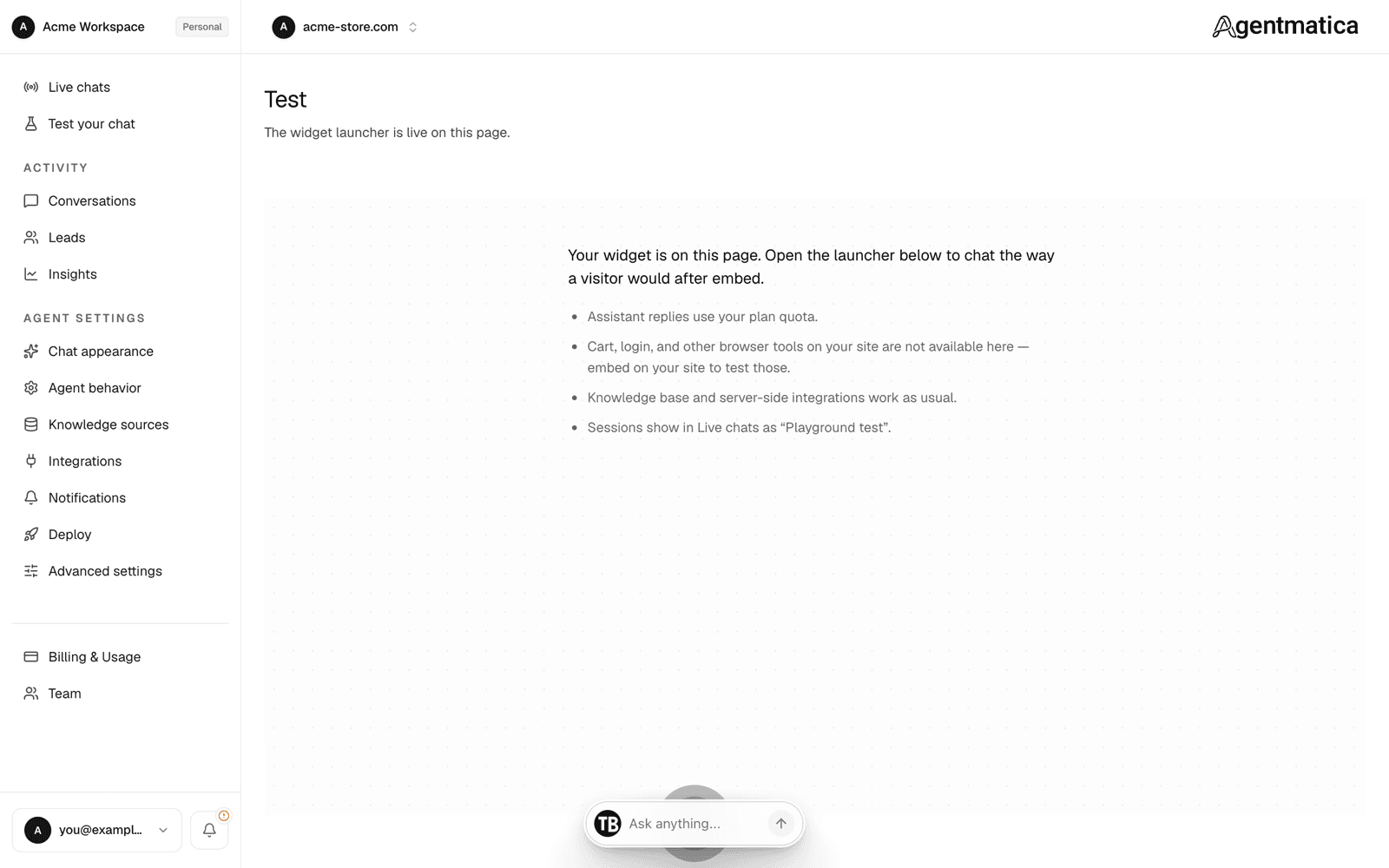
Open the agent from your dashboard and pick Test your chat — the live widget launcher on a blank page, wired to the real agent. Ask a real question your customers ask. Verify the answer — every reply links back to the exact passage the agent used. Test replies count against your reply quota.
4. Embed the widget
Open Agent → Deploy and copy the script tag. Drop it in your site's <head> or just before </body>. Single script tag. Loads asynchronously, so it won't block page render. On Shopify, turn on the Agentmatica Chat app embed in your theme instead (see Shopify). The same page shows a Widget status card that flips to confirmed once we've seen the widget load on your site.
No site to embed on yet? Toggle on the hosted chat page in the same Deploy tab — a public share URL where visitors chat with the agent in a full-page UI, no embed or account required.
5. Connect tools (optional)
If you sell on Shopify, click Connect Shopify in Agent → Integrations. The same page handles WordPress and WooCommerce (via the companion plugin, usually auto-detected from your crawl), Notion, any custom MCP endpoint, and Slack, Telegram, webhook, and Zendesk handoffs. The agent picks up new tools immediately — no rebuild.
What ships out of the box
- Cited replies. Every answer links to the source paragraph it came from.
- Escalation tool. The agent hands off to a human when asked, or when it can't answer confidently.
- Lead capture. When a visitor volunteers an email, the agent saves it and (optionally) emails you + Slack.
- Conversation log. Every chat is logged with citations and feedback ratings.