


For WooCommerce stores
The sales and support agent for your WooCommerce store.
Install our WordPress plugin and Agentmatica answers shoppers from your pages and live catalog, shows products as cards, builds the cart with a checkout link, and looks up orders for guests and signed-in customers.
Free plan, no card. Try it in your dashboard before it goes live.
Agentmatica for WooCommerce, in short
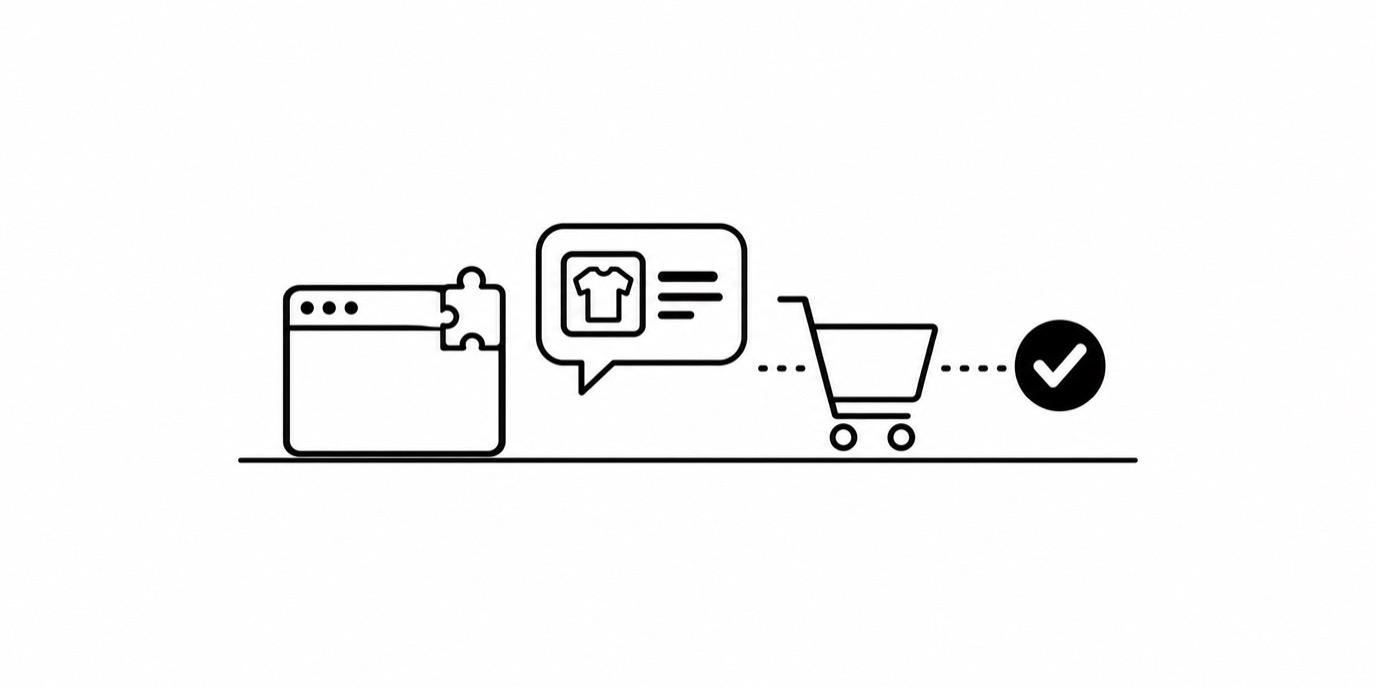
Agentmatica is a sales and support agent for WooCommerce stores. Through the Agentmatica WordPress plugin it searches your live catalog, shows products as cards in the chat, builds a cart with variants and quantities, hands over a checkout link, and looks up order status. Order data is read live from your store and never copied into the knowledge base.
What it does on your WooCommerce store
Live catalog search
The agent searches your WooCommerce products as the shopper asks and shows them as cards with image, price and link.
Cart and checkout link
It builds a cart with the right variants and quantities and hands over a checkout link.
Order lookup
Guests verify with an order number and email. Signed-in customers are recognized and not asked again in the same chat.
Post-purchase actions, off by default
Turn on cancellations, address changes on unfulfilled orders, or return requests. They run only for signed-in customers who confirm in the chat.
Scoped permissions
The plugin's integration token limits what the agent can touch. Product edits and order administration are never exposed to chat.
Order data stays in your store
Orders are read live through the plugin and never copied into the knowledge base.
Set it up in four steps
- 1
Install the plugin
In WordPress, go to Plugins, Add New, search for Agentmatica and activate the plugin. WooCommerce is detected automatically.
- 2
Connect your site
Sign up free and add your site. On most sites our crawler finds the plugin and offers to connect it; otherwise paste the integration token.
- 3
Try it before it goes live
Ask it real questions on the Test your chat page in your dashboard. Only you see it.
- 4
Add the chat to your store
Copy the snippet from Deploy and add it before the closing body tag, or with a headers and footers plugin.
Get the plugin from the WordPress plugin directory.
One plugin, the whole store
The Agentmatica plugin connects your WordPress site and WooCommerce in one step. Your pages are indexed for answers with a source link, and the catalog and orders are read live through the plugin.
You can also summarize your products into an inventory map, so the agent understands your categories, price bands and pairing rules.
From question to checkout in one conversation
A shopper asks for a waterproof jacket under $150. The agent shows the matches as cards, answers the returns question from your policy page, adds the size they pick to the cart and shares the checkout link.
You write the pairings and your free-shipping threshold in Sales notes, in plain sentences.
Safe changes after the sale
Each post-purchase action is off until you enable it, and the address change refuses moves to another country or state by default so shipping and tax stay right. Guests get read-only order status, or a handover to your team when they ask for a change.
One agent. Pre-sale to post-sale.
See how it worksAnswers from your own pages
Grounded replies link the page they came from, and it says so when your content doesn't cover a question.
Recommends what you sell
Product cards from your live Shopify or WooCommerce catalog, with image and price.
Builds the cart
Adds the right variant and quantity and hands the shopper a checkout link.
Your rules, in plain sentences
Sales notes set what it pairs. Private directives set what it never says.
Order status, looked up live
Guests confirm with an order number and email. Signed-in customers are recognized.
Hands over to you
Take over any live conversation from the dashboard, then hand it back.
Shopify and WooCommerce compared
| Feature | Shopify | WooCommerce |
|---|---|---|
| How it connects | Agentmatica app from Shopify | Agentmatica plugin for WordPress |
| How the chat goes live | App embed in the theme editor | Snippet before the closing body tag |
| Product cards from the live catalog | Yes | Yes |
| Cart and checkout link | Yes | Yes |
| Order status for guests | Order number and email | Order number and email |
| Signed-in customers recognized | Yes | Yes |
| Post-purchase actions | Cancel, change address, create returns (off by default) | Cancel, change address, request returns (off by default) |
| Billing | Through Shopify when installed from Shopify | Card, on our pricing plans |
On Shopify? See Agentmatica for Shopify.
Common questions
Which plugin do I need?
The Agentmatica plugin from the WordPress plugin directory. It connects both WordPress and WooCommerce; there's no separate WooCommerce toggle.
Can it change orders?
Only if you turn it on. Cancellations, address changes and return requests are each off by default and run only for signed-in customers after they confirm.
What can the agent access?
What the plugin's integration token allows: catalog, cart and order lookup, plus any post-purchase action you enable. Product edits and order administration are never available in chat.
Does it copy my order data?
No. Orders are read live through the plugin when a shopper asks and aren't stored in the knowledge base.
What does it cost?
There's a free plan with no card required, and paid plans when you need more. See the pricing page.
The sales and support agent for your WooCommerce store.
Add your store, try the answers in your dashboard, and switch it on when you’re happy. Free plan, no card required.