


Product recommendations
Recommendations from your live catalog, shown as products.
Shoppers describe what they need in their own words. Agentmatica searches your Shopify or WooCommerce catalog, shows what fits as product cards, explains the difference, and suggests what goes with it from your Sales notes.
Free plan, no card. Try it in your dashboard before it goes live.
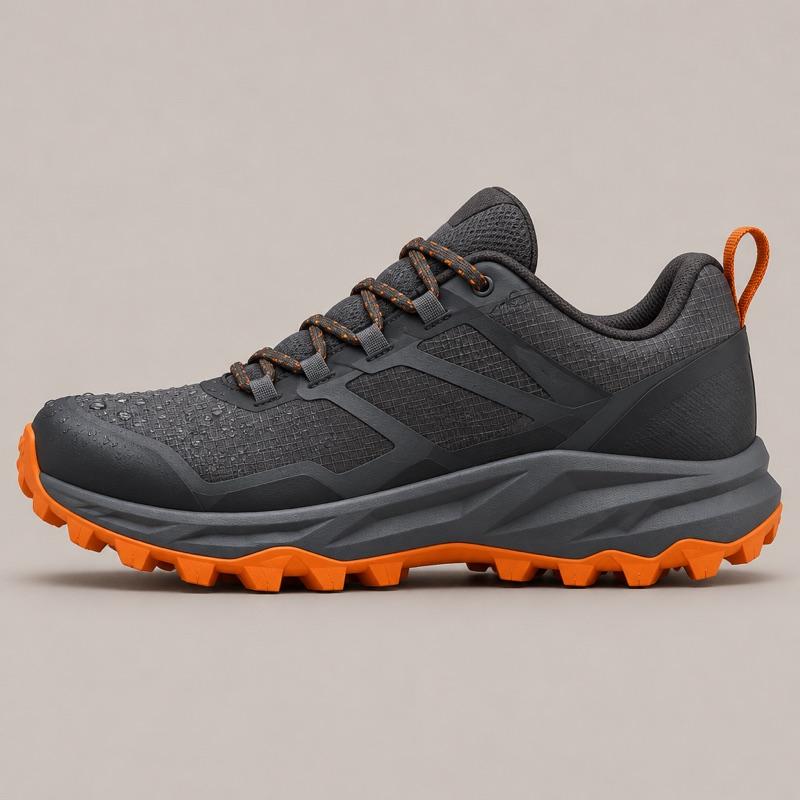
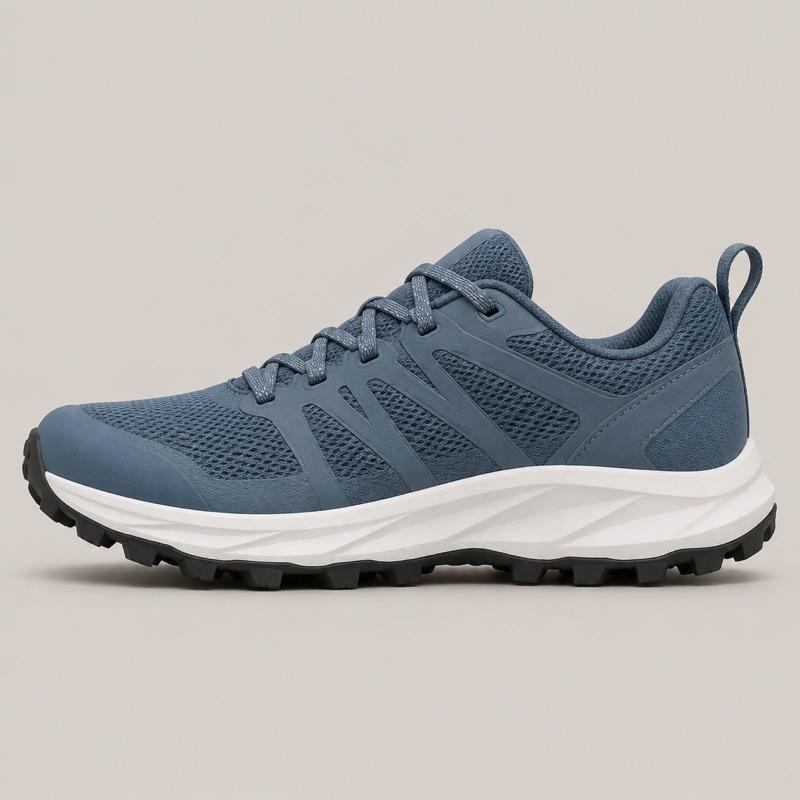
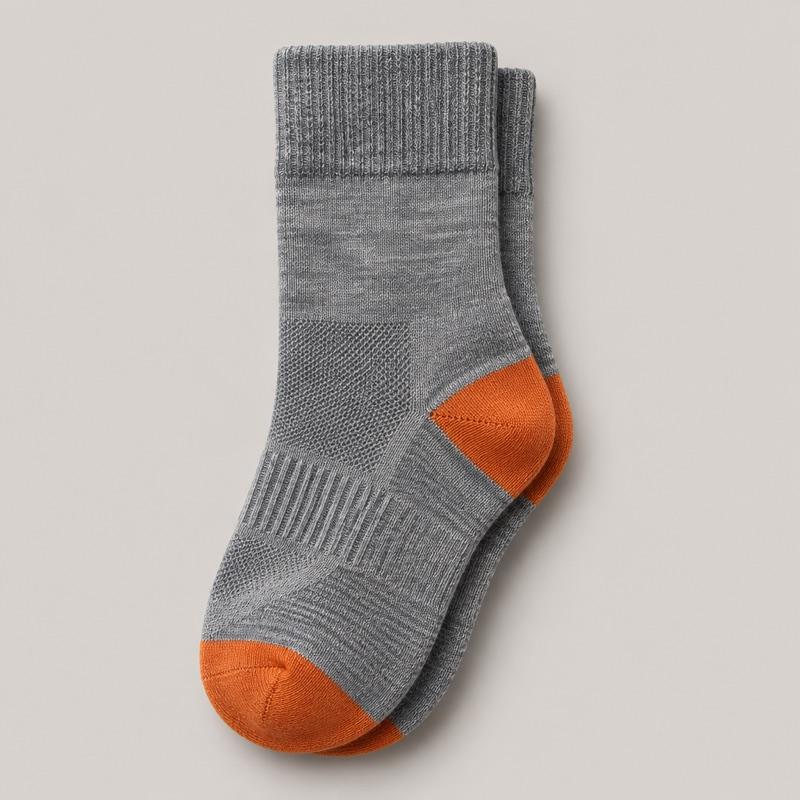


Example conversation on Ridgeline Running:
- Shopper: I run muddy trails, often in the rain. Which shoe?
- Agent: For mud and wet rock, the Talus GTX: it's waterproof with 5 mm lugs. The Cirrus is lighter and drains fast, but it isn't waterproof. Shows product cards: Talus GTX, $134; Cirrus Trail, $118.
- Shopper: Talus in a 10, please.
- Agent: Done, the Talus GTX in 10 is in your cart. Merino socks stay warm when they get wet, if you'd like a pair. Shows product cards: Merino Trail Socks, $18. Adds Talus GTX to the cart.
In short
Agentmatica recommends from your live catalog. A shopper says what they need, such as a shoe for muddy trails or a gift under $50, and the agent shows the products that fit as cards with image, price and link, with a sentence on why each one fits. It recommends only what you sell and says so when you don't carry something. You decide what it suggests alongside each product by writing Sales notes in plain sentences.
Where it works. Product cards and add to cart work on a connected Shopify or WooCommerce store. On other sites the agent answers from your indexed pages and links to them.
It reads the catalog while the shopper asks
Products, variants, prices and stock come from your store at the moment of the question, so a new product or a price change shows up in the next conversation. Shoppers can ask for "under $50" or "in stock in a 10" and see matching products right in the chat.
Your store pages fill in the rest. Size guides, materials and care pages are indexed, and when an answer comes from one of them the shopper sees a link to that page.
Short recommendations, with a reason for each
With sales assist on, every reply is coached to work like a good floor salesperson: find out what the shopper needs, recommend rather than list, and keep it to two to four sentences instead of a catalog dump. It's on by default for online stores, and you can switch it off.
You write the pairings
Sales notes are plain sentences the agent follows in every chat: which leash goes with which harness, your free-shipping threshold, what never to suggest. The crawler never overwrites them.
Turn on Suggest intelligent upsells and the agent offers one complementary item when a shopper lands on a product page. If the chat is closed, the suggestion appears as a small bubble next to the launcher, so it never covers the page. These suggestions don't use replies from your plan.
Common questions
Does it only recommend products I actually sell?
Yes. It searches your live Shopify or WooCommerce catalog, and when you don't carry what the shopper asked for, it says so instead of inventing a product.
Can I stop it from recommending certain products?
Yes. Write it in Sales notes, for example "Never recommend the Cirrus for winter runs." You can also coach a single live chat, and that coaching applies only to that conversation.
Can it add the recommended product to the cart?
On Shopify and WooCommerce, yes. It adds the variant and quantity the shopper chose and hands over a checkout link.
Do the add-on suggestions cost replies?
No. The product-page suggestion from Suggest intelligent upsells doesn't use your reply quota. If the shopper then chats about it, those replies count as usual.
Recommendations from your live catalog, shown as products.
Add your store, try the answers in your dashboard, and switch it on when you’re happy. Free plan, no card required.