


For Shopify stores
The sales and support agent for your Shopify store.
Install the app and Agentmatica answers shoppers from your store pages and live catalog, shows products as cards, builds the cart with a checkout link, and looks up orders. It goes live from your theme editor without touching code.
Free plan, no card. Try it in your dashboard before it goes live.
Agentmatica for Shopify, in short
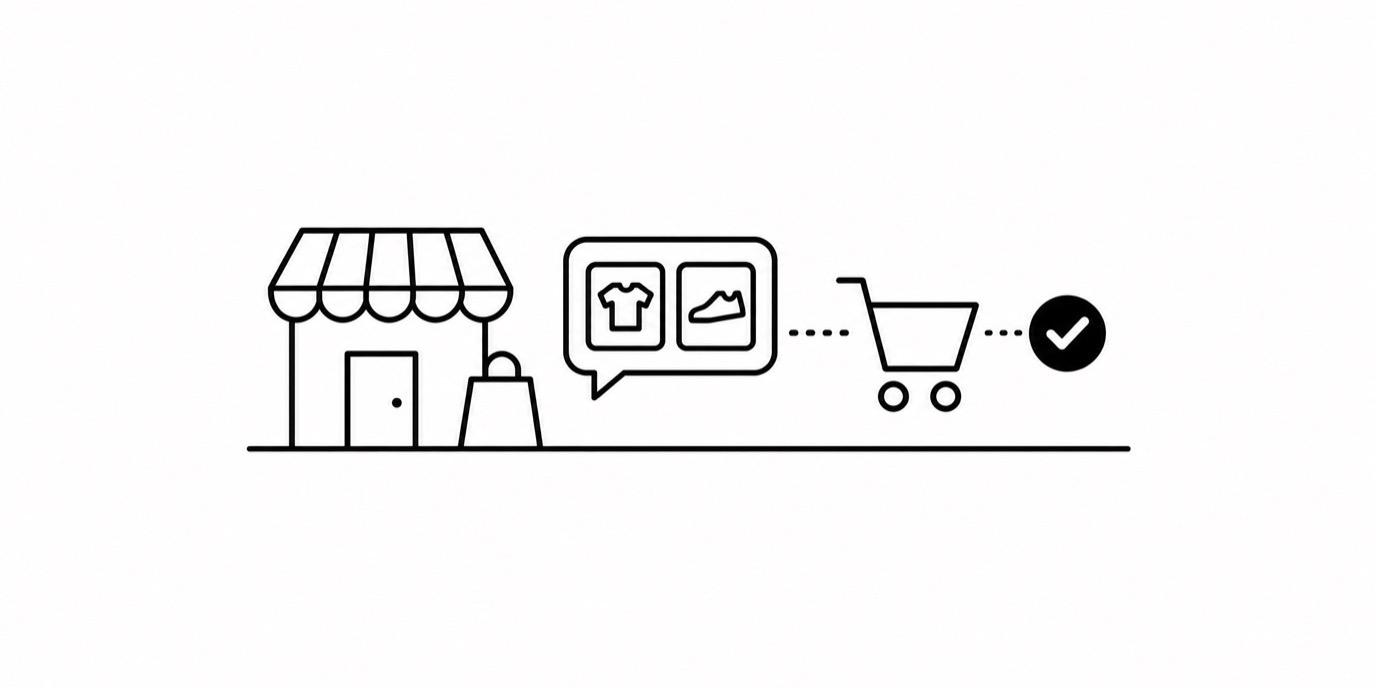
Agentmatica is a sales and support agent for Shopify stores. Once the app is installed, it searches your live catalog, shows products as cards in the chat, adds the right variant to the cart, hands over a checkout link, and looks up order status, recognizing customers who are signed in to your store. It answers policy and product questions from your store pages with a link to the source.
What it does on your Shopify store
Catalog search in plain words
Shoppers ask for "under $50", "in stock" or "wide width" and the agent finds the matching products.
Product cards in the chat
Image, title, price and link for each match, with a short intro from the agent.
Cart and checkout link
The agent adds the right variant and quantity and hands over a checkout link.
Order status
Guests confirm with an order number and email. Customers signed in to your store are recognized and not asked again.
Post-purchase actions, off by default
Turn on cancelling unfulfilled orders, updating a shipping address or creating returns. They run only for signed-in customers who confirm in the chat.
Billing through Shopify
Install from Shopify and your plan is billed on your Shopify invoice.
Set it up in four steps
- 1
Install the app
Install the Agentmatica app on your store and sign up with your email. We send you a sign-in code; no card needed.
- 2
Approve the connection
You land in the dashboard with the store connected. Catalog search, cart, checkout links and order lookup are on.
- 3
Try it before it goes live
Ask it real questions on the Test your chat page in your dashboard. Only you see it.
- 4
Switch it on in your theme
Open your theme editor from Deploy. Agentmatica Chat is already switched on under App embeds and pointed at your agent. Click Save.
Built on your live store
The agent reads products, variants and prices from your store as the shopper asks, so a price change or a new product shows up in the next conversation. Your shipping, returns and FAQ pages are indexed, and answers from them link the page they came from.
When the content doesn't cover a question, the agent says it doesn't know, and the question shows up in Insights so you can fix the page.
From question to checkout in one conversation
A shopper asks which grinder suits espresso. The agent shows the two that fit as cards, answers the follow-up about warranty from your policy page, adds the one they pick to the cart and shares the checkout link. If you've turned on the product-page suggestion, it can mention the beans that go with it.
You write the pairings and your free-shipping threshold in Sales notes, in plain sentences.
Your rules, and a way in when it matters
Private directives set what the agent never says, and you can take over any live conversation from the dashboard and hand it back when you're done.
One agent. Pre-sale to post-sale.
See how it worksAnswers from your own pages
Grounded replies link the page they came from, and it says so when your content doesn't cover a question.
Recommends what you sell
Product cards from your live Shopify or WooCommerce catalog, with image and price.
Builds the cart
Adds the right variant and quantity and hands the shopper a checkout link.
Your rules, in plain sentences
Sales notes set what it pairs. Private directives set what it never says.
Order status, looked up live
Guests confirm with an order number and email. Signed-in customers are recognized.
Hands over to you
Take over any live conversation from the dashboard, then hand it back.
Shopify and WooCommerce compared
| Feature | Shopify | WooCommerce |
|---|---|---|
| How it connects | Agentmatica app from Shopify | Agentmatica plugin for WordPress |
| How the chat goes live | App embed in the theme editor | Snippet before the closing body tag |
| Product cards from the live catalog | Yes | Yes |
| Cart and checkout link | Yes | Yes |
| Order status for guests | Order number and email | Order number and email |
| Signed-in customers recognized | Yes | Yes |
| Post-purchase actions | Cancel, change address, create returns (off by default) | Cancel, change address, request returns (off by default) |
| Billing | Through Shopify when installed from Shopify | Card, on our pricing plans |
On WooCommerce? See Agentmatica for WooCommerce.
Common questions
Do I need to edit my theme code?
No. The app adds an app embed you switch on in the theme editor. A Liquid snippet is available on Deploy if you prefer to place it yourself.
How is it billed?
If you install from Shopify, your plan is billed through Shopify and plan changes open Shopify's plan page in your store admin. There's a free plan with no card required.
Can it change orders?
Only if you turn it on. Cancelling unfulfilled orders, updating a shipping address and creating returns are each off by default, and they run only for signed-in customers after they confirm.
Does it work with a custom domain?
Yes. The connection uses your .myshopify.com address and the chat runs on whatever domain your store uses.
Does it work if my storefront is password-protected?
Product answers come live from Shopify, so the agent can sell from day one. Store pages like shipping and FAQ are indexed once the storefront is public.
The sales and support agent for your Shopify store.
Add your store, try the answers in your dashboard, and switch it on when you’re happy. Free plan, no card required.