


Starter questions
Put the questions shoppers ask right under the price.
Starter questions sit on the page itself, under a product's price or next to your shipping table. One tap opens the chat with that question already asked, and the agent answers from your pages straight away.
Free plan, no card. Try it in your dashboard before it goes live.
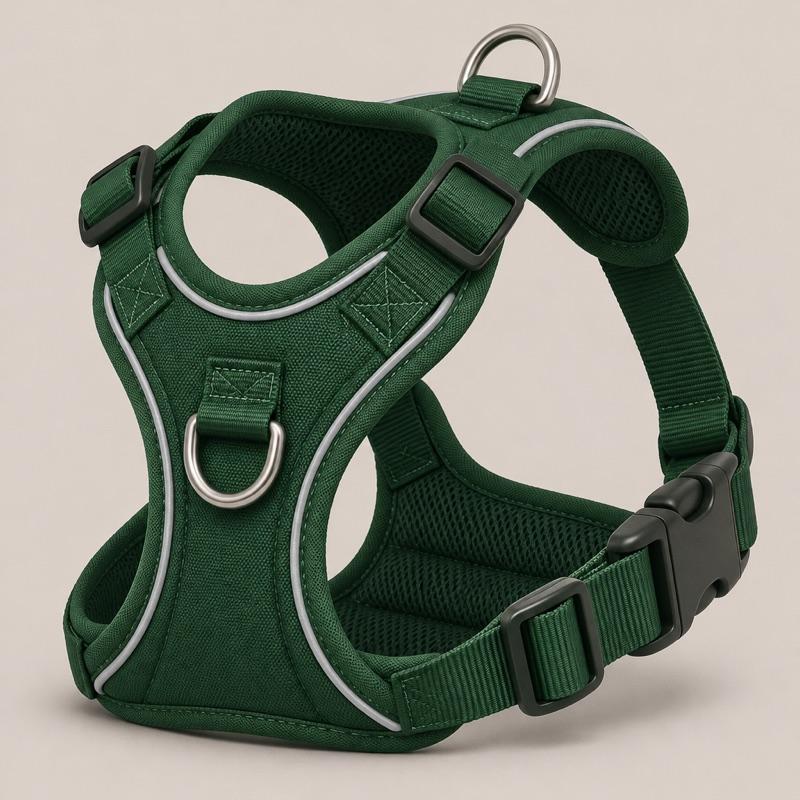
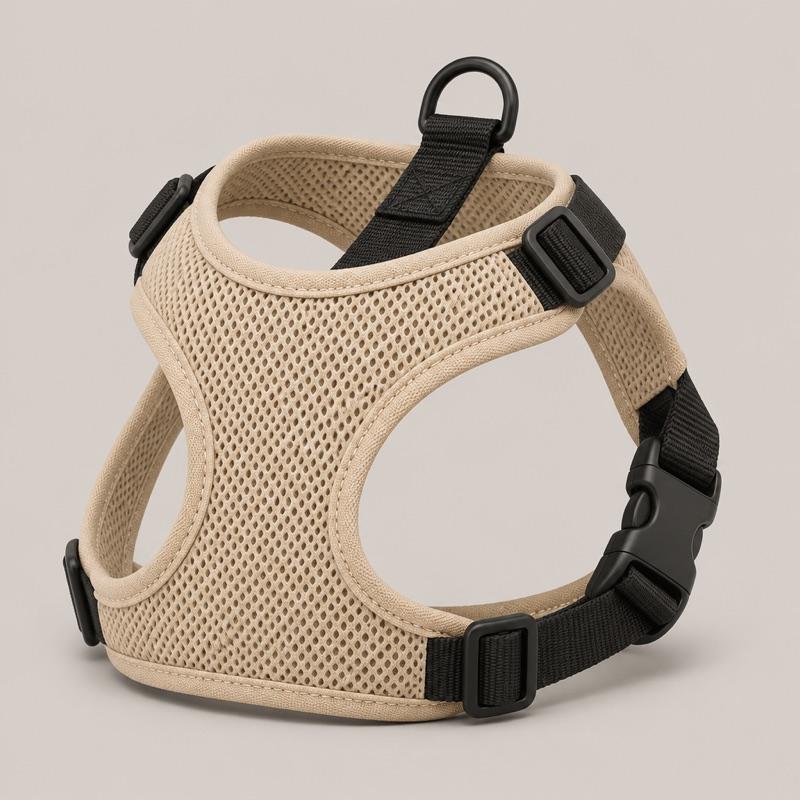
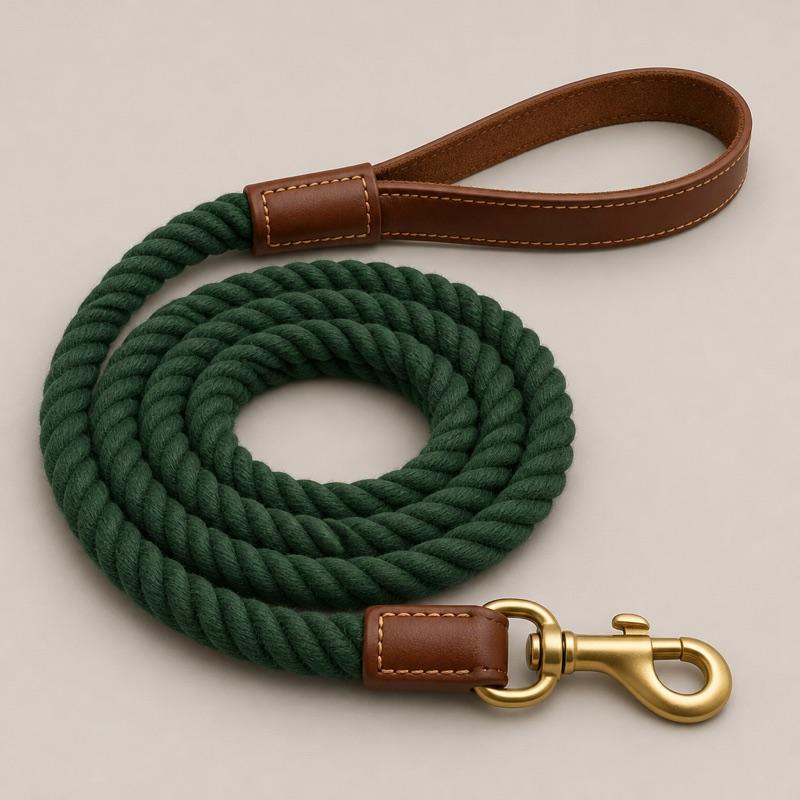


Starter questions on the product page: Will it fit a 30 kg lab?; Is it machine washable?; When will it arrive?.
Example conversation on Trailhound:
- Shopper taps a starter question: Will it fit a 30 kg lab?
- Agent: Most 30 kg labs take a large, which fits chests of 71 to 91 cm. Measure just behind the front legs to be sure. Source: Harness size guide.
- Shopper: Large it is.
- Agent: The Ridge in large is in your cart. Shows product cards: Ridge No-Pull Harness, $54. Adds Ridge No-Pull Harness to the cart.
In short
Starter questions are short questions you place on any page of your site. When a shopper taps one, the chat opens with that question sent as their message, and Agentmatica answers it from your pages and catalog. You write the questions, choose how they look, and see views, clicks, chats and leads for each group. On a connected Shopify or WooCommerce store you also see cart adds and orders that came from those chats.
Where it works. Works on Shopify (theme app block), WordPress and WooCommerce (shortcode) and any other site with the chat widget (embed code).
Start from what shoppers already ask
Insights lists the questions visitors ask your agent, including the ones your pages couldn't answer. Those make the best starter questions, because you know people want them answered.
Make one group per kind of page: one for product pages, one for your shipping page. A group holds up to 8 questions, but three or four per placement reads better. The text you write is exactly what gets sent to the chat, so write it the way a shopper would ask.
Styled to match your theme
The default style, Match my site, uses your page's font and text color with a light outline, so the questions look like part of your theme. You can switch to pills, buttons or text links, lay them out in a row or stacked, and use your brand color or your page's text color.
The questions render in their own shadow root, so your theme's CSS can't break them and they can't change anything else on the page.
See which questions earn their place
Each group shows its last 30 days: views, clicks and click rate, chats started, and leads from those chats. Open a group to see clicks for each question.
On a connected Shopify or WooCommerce store, you also see how many of those chats added a product to the cart and how many ended in an order through the agent, with the order value. Swap out a question nobody taps, and move a group that gets views but no clicks closer to the price.
Common questions
Does AI write the product questions?
No, you write them, so they say exactly what you want. The answers come from the agent, which replies from your pages and catalog the moment a shopper taps a question.
Do starter questions use up my replies?
The agent's answer counts as one reply on your plan, like any other. Showing the questions and recording views and clicks doesn't use replies.
Do they only work on Shopify?
No. On Shopify you add the Starter questions app block in the theme editor. On WordPress and WooCommerce you use a shortcode. On Wix, Squarespace, Webflow, BigCommerce or your own templates you paste the embed code. The chat widget has to be on the page.
What if my pages don't answer a question?
The agent says it doesn't know and offers a person instead of guessing. Try each question on the Test your chat page before you publish it, and add the missing page or a trained answer if the reply is thin.
Put the questions shoppers ask right under the price.
Add your store, try the answers in your dashboard, and switch it on when you’re happy. Free plan, no card required.