


WooCommerce product recommendations
A product recommendation chatbot for WooCommerce that builds the cart.
Agentmatica connects through our WordPress plugin, searches your live WooCommerce catalog, shows the products that fit as cards, adds the variant the shopper picks to the cart and hands over the checkout link.
Free plan, no card. Try it in your dashboard before it goes live.
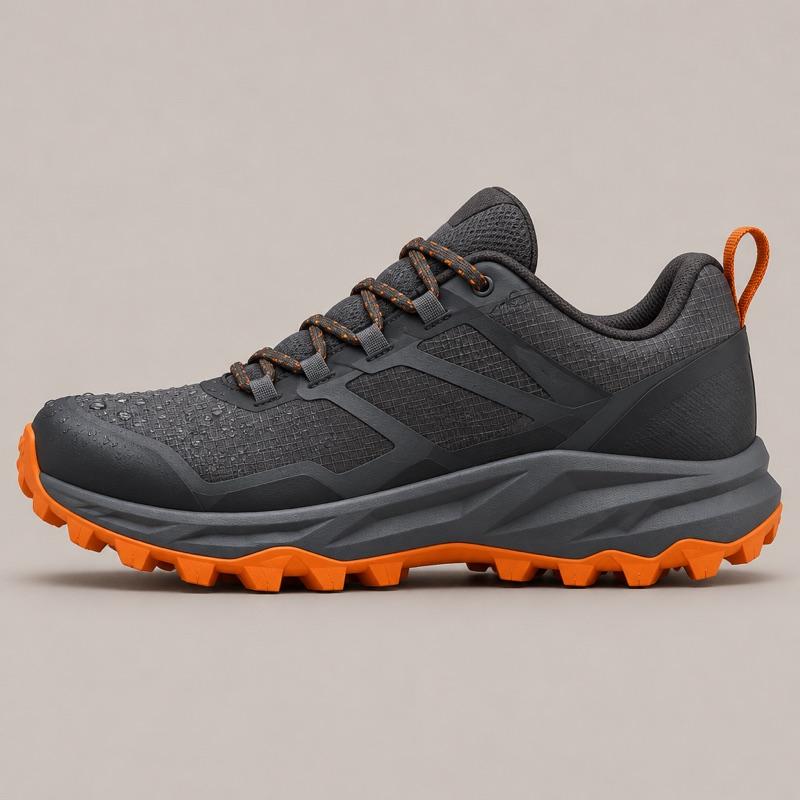
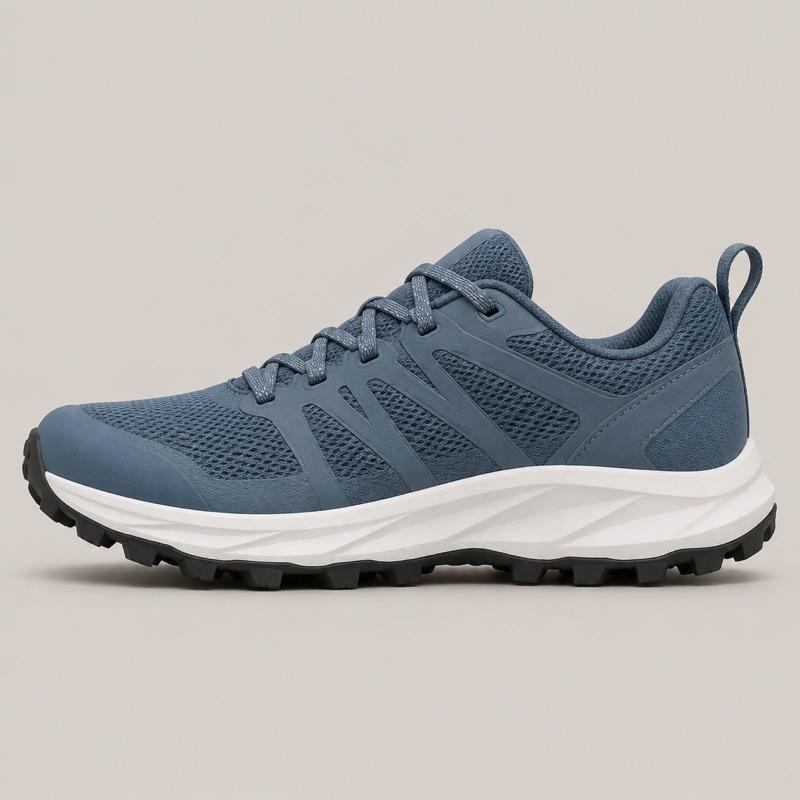



Example conversation on Ridgeline Running:
- Shopper: I need something waterproof in a size 10, under $140.
- Agent: The Talus GTX is the waterproof pair under $140 in a size 10. If you mostly run dry trails, the Cirrus is lighter and costs less. Shows product cards: Talus GTX, $134; Cirrus Trail, $118.
- Shopper: Talus, size 10.
- Agent: Added the Talus GTX in size 10. Merino socks keep wet feet warmer, if you want a pair. Shows product cards: Merino Trail Socks, $18. Adds Talus GTX to the cart.
In short
Agentmatica recommends products on WooCommerce from your live catalog, through the Agentmatica plugin for WordPress. A shopper describes what they need, such as a waterproof shoe in a size 10 under $140, and the agent shows the matching products as cards with image, price and link. It builds the cart with the right variant and quantity and shares a checkout link. You write what it suggests alongside each product in Sales notes.
Built on your live WooCommerce catalog
The plugin gives the agent read access to your products, variants and prices, so it recommends what you sell today. Shoppers ask in plain words, such as "waterproof", "size 10" or "under $140", and get the products that match as cards.
Your size guides and product pages are indexed too, and answers from them link the page they came from.
You set the pairings
Sales notes are plain sentences: which socks go with which shoes, your free-shipping threshold, what it should never suggest. An inventory map summarises your product families and price bands so the agent understands how your range fits together.
One plugin for the whole store
The Agentmatica plugin connects WordPress and WooCommerce in one step. The plugin's integration token limits what the agent can touch: product edits and order administration are never available in the chat.
The same agent answers shipping and returns questions and looks up orders, so the shopper stays in one conversation from question to checkout.
Set it up on WooCommerce
- 1
Install the plugin
In WordPress, go to Plugins, Add New, search for Agentmatica and activate the plugin. WooCommerce is detected automatically.
- 2
Connect your site
Sign up free and add your site. On most sites our crawler finds the plugin and offers to connect it; otherwise paste the integration token.
- 3
Try it before it goes live
Ask it real questions on the Test your chat page in your dashboard. Only you see it.
- 4
Add the chat to your store
Copy the snippet from Deploy and add it before the closing body tag, or with a headers and footers plugin.
Common questions
Can the chatbot add products to the WooCommerce cart?
Yes. With the Agentmatica plugin connected, the agent builds the cart with the variant and quantity the shopper chose and shares a checkout link.
Which plugin do I need?
The Agentmatica plugin from the WordPress plugin directory. It detects WooCommerce automatically, so there's no separate setting.
Can I control what it suggests?
Yes. Sales notes and the inventory map set which products go together, your free-shipping threshold and anything it should never suggest.
What does it cost?
There's a free plan with 100 replies a month and no card. Starter is $29 a month for 1,000 replies, with no per-seat fees.
A product recommendation chatbot for WooCommerce that builds the cart.
Add your store, try the answers in your dashboard, and switch it on when you’re happy. Free plan, no card required.