


Build the agent
Live chats & whispers
Watch conversations as they happen, whisper coaching to the AI that the visitor never sees, or take the keyboard yourself.
Where to find it
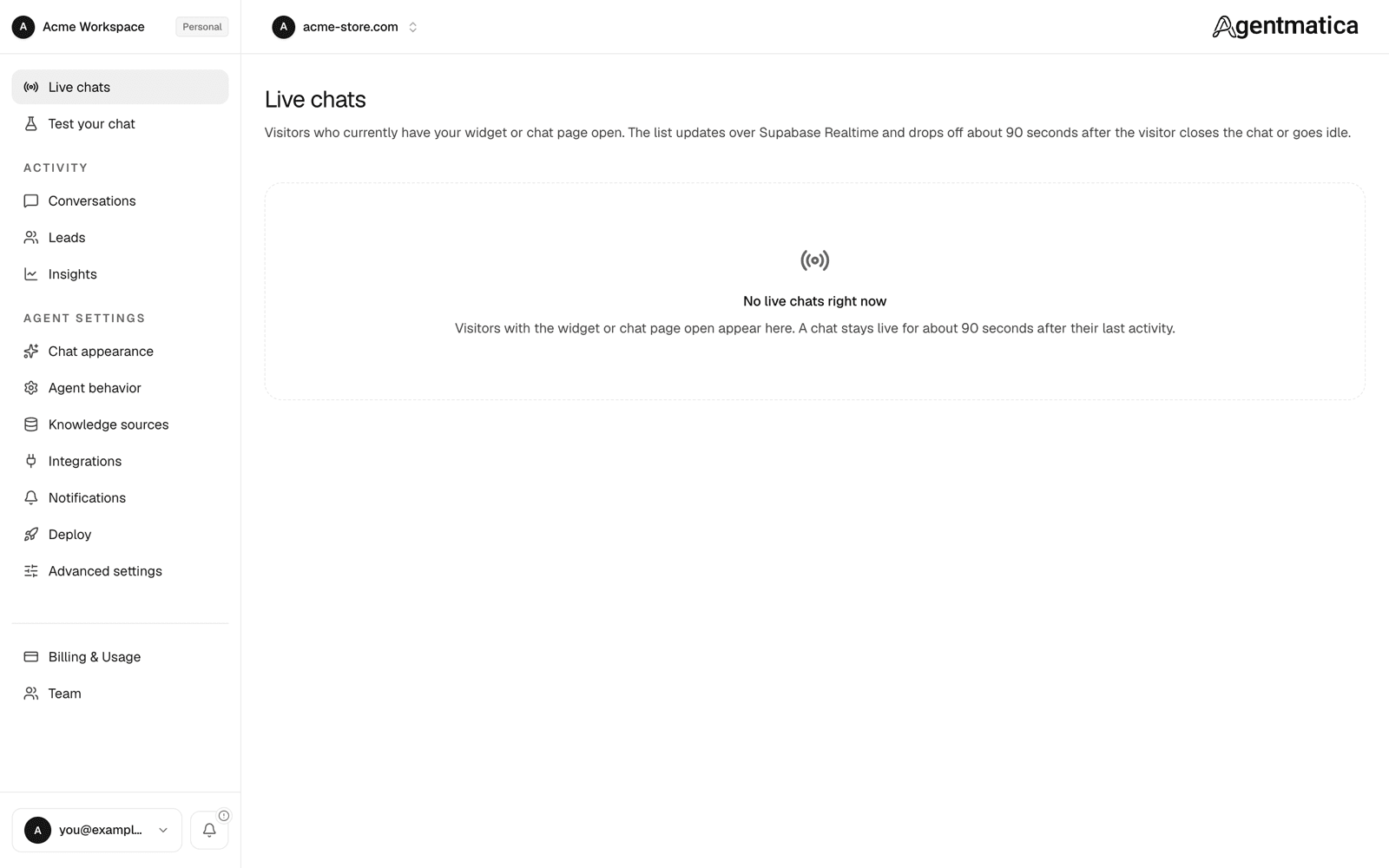
Agent → Live chats lists every visitor who currently has the widget or hosted chat page open. A chat stays live for about 90 seconds after the visitor's last activity, then drops off the list and remains under Conversations. Open a chat to get the live monitor: the transcript on top, and a composer at the bottom with two tabs, Chat and Directives.
The monitor updates in real time and works from the installed mobile app too, so a push notification for a new chat or escalation can be answered from your phone. See Mobile app.
Whisper mode: live directives
The Directives tab is whisper mode. Type an instruction and send it; the AI applies it from its next reply onward for this conversation only, and the visitor never sees it. Directives are for the things a good floor manager would murmur to a new hire:
- “Offer free shipping if they mention the cart total.”
- “They're a wholesale lead, push the bulk pricing page and get an email.”
- “Stop recommending the blue variant, it's out of stock until Friday.”
Rules that keep whispers safe:
- Each directive is up to 1,000 characters; at most 5 active at once (2,000 characters combined).
- A directive stays active until you toggle it off or delete it in the directives panel. Toggling off is immediate: the AI is told the coaching was revoked and will not repeat an offer it made under it.
- Directives that grant a discount or promotion are recognized as such. Without an active one, the agent refuses to invent or extend offers, even if it mentioned one earlier.
- The transcript shows a timeline row whenever a directive is added, toggled, or acted on, so you can see what the AI did with it.
- Directives are not available on the Test your chat page; use a real visitor chat.
By default the AI applies a new directive on the visitor's next message. Turn on Re-reply when coaching is added mid-conversation under Agent behavior → Proactive & Live Sales and it sends a fresh reply immediately instead. That re-reply counts as one reply from your quota.
Standing instructions that should apply to every conversation belong in Sales notes under Agent behavior → Playbook, not in a whisper.
Manual mode: take over
On the Chat tab, flip Manual on to take over. The AI stops replying, the composer unlocks, and what you type goes straight to the visitor as a team member. If Tell visitors when a team member is replying is on under Chat appearance, the widget shows a banner so the visitor knows a human joined. Flip Manual off to hand the conversation back to the AI; it picks up with full context.
While in Manual you have three helpers next to the composer:
- AI draft — the agent writes a suggested reply to the latest visitor message that you can edit before sending. Each draft uses one reply from your plan; sending your own text does not.
- Suggested questions — send the visitor two or more tappable choices instead of free text, useful for narrowing a request quickly.
- Create lead — save the visitor as a lead with whatever contact details they have shared, without waiting for the agent to detect them.
Same controls from Slack and Telegram
With a live handoff integration connected, an escalated chat opens as a Slack thread or Telegram topic. Take over and Return to AI there mirror Manual mode here, and thread replies reach the widget. The dashboard always shows the current state, so a teammate in Slack and one in the dashboard never fight over a chat. See Slack live handoff.
Who gets pinged
New chats and escalations arrive as push or email alerts according to the agent's alert policy and on-call rotation. Silent escalations, such as high-value order signals or a visitor whose mood needs attention, flag the chat in the list without telling the visitor. See Escalation & leads for what triggers them.