


When should a sales agent speak first? Proactive chat that doesn't nag
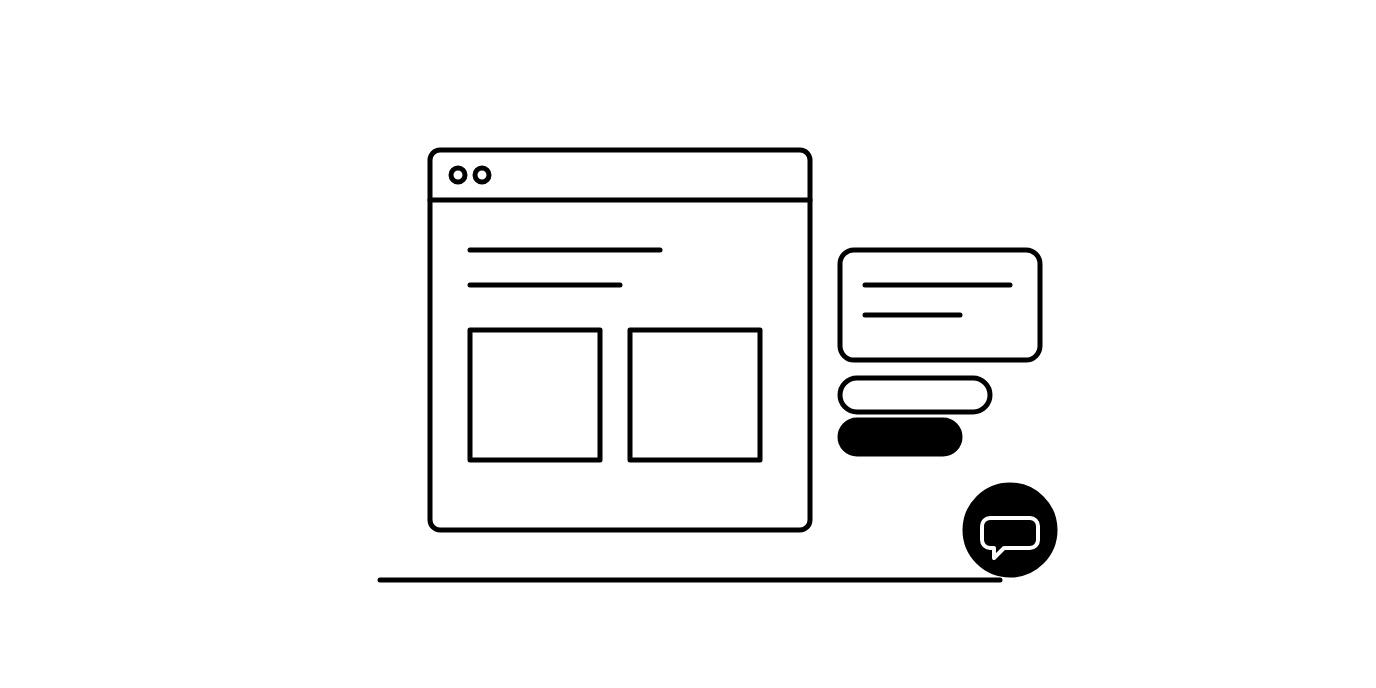
A sales agent should speak first when the page shows the shopper probably has a question they haven't typed. They've read a product page long enough to be weighing it, or they're stuck on the cart. Make the first message about that page and send just one. If they close it, back off.
Generic greetings arrive too early
Most of us know the shop assistant who asks before you've reached the first rail. In the Mindtree survey of 600 US shoppers, only 2% said a conversation with an associate started their purchase. The associate's influence came during information gathering and the final choice.
So the useful first message arrives late and is specific, like "Not sure which grind to pick? Tell me how you brew" on a coffee page.
Five rules for a first message
Wait for a signal, such as time on the page, scrolling or a cart add. A page load alone isn't one.
Talk about the page they're on, using what the page says.
Send one message, with a question they can tap to reply.
Keep away from checkout forms, account pages and legal pages, where an interruption costs more than it helps.
After a dismiss, stay quiet for a while.
How Agentmatica times its first message
Page nudges are short openers written from the text of the page the shopper is reading. A nudge appears beside the launcher after about seven and a half seconds on the page, or sooner if they've scrolled through a good part of it. It carries one or two sentences, up to two questions the shopper can tap, and sometimes a link to a sensible next page. Nudges skip checkout, login, account, legal and error pages, and you can edit or switch off the nudge for any URL. Turn on Show page nudges in your agent's settings to start.
Behavioral intercept watches for hesitation. When a shopper spends 45 seconds on your cart, checkout or pricing page, or a URL pattern you add, without moving on, the chat opens once per visit with an opener written from the page and your Sales notes. On Shopify and WooCommerce it can also suggest a complement a few seconds after the shopper adds a product the agent showed them, if you've set a pairing rule for it.
On Shopify and WooCommerce, the product-page suggestion offers one complementary item from your pairing rules when a shopper lands on a product page, as a bubble beside the launcher if the chat is closed.
All three share one budget: at most one proactive card per page and two per visit. Each is off until you turn it on.
Start with one page type
Turn on page nudges, then read what the agent wrote for your five most visited product pages. Edit any that sound off, and check a week of conversations to see which openers shoppers answer. Add the cart intercept once the product pages read well.
Questions store owners ask
Does proactive chat annoy shoppers?
A generic greeting on every page often does. A short message about the page the shopper is reading, sent after they've shown interest and limited to once or twice a visit, is easier to welcome and easy to ignore.
When should a chat widget open automatically?
Open it when there's a signal the shopper is stuck, such as a long pause on the cart or checkout page. Agentmatica's behavioral intercept waits 45 seconds on those pages and opens the chat once per visit.
Can I control which pages get a proactive message?
Yes. With Agentmatica you can edit or switch off the page nudge for any URL, add your own high-intent URL patterns for the intercept, and turn each proactive feature on or off separately.
Say the right thing on the right page
Agentmatica writes a short opener from each page and waits for a signal before it speaks, with at most one proactive card per page and two per visit. Start on the Free plan.
Try it free