


"Which size should I get?" How to answer it before the shopper leaves
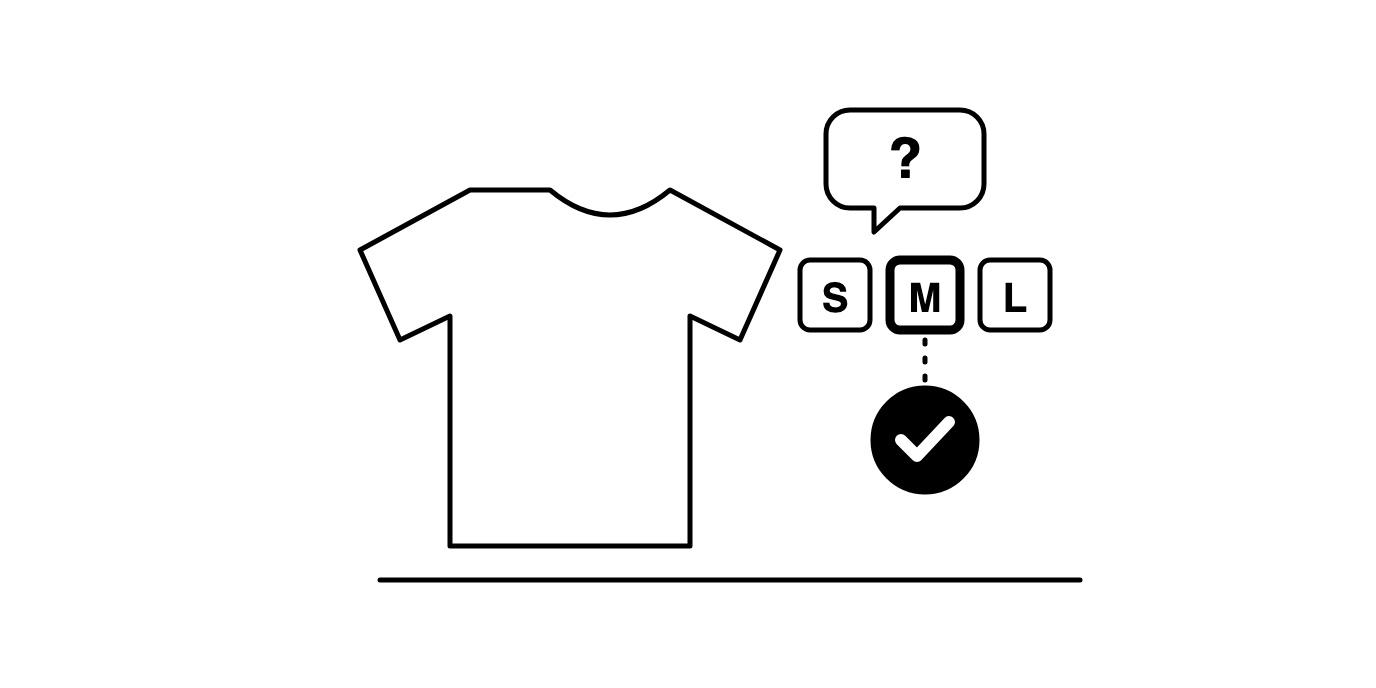
A shopper who asks which size to get has already chosen the product. They like it, they've seen the price, and the one thing standing between them and the cart is a doubt about fit. That makes it one of the most valuable questions anyone asks on your site.
Left unanswered, it tends to go one of three ways. The shopper guesses and sends it back if they're wrong, orders two sizes and returns one, or closes the tab. Each of those costs you more than an answer would have.
Put the answer on the product page
Start with the size chart, on the product page itself, in centimetres and inches. Measure the garment as well as the body where you can, because "chest 104cm on the garment" settles more doubts than a generic S, M, L table.
Add a fit note in plain words: runs small, size up if you're between sizes, relaxed through the shoulders. Say what the model is wearing and how tall they are. If one line in your range fits differently from the rest, say so on that product and not only in a general guide.
Then say how exchanges work, right next to the size selector. A shopper unsure between two sizes buys more easily when swapping looks simple.
The questions a chart can't answer
Charts handle measurements. Shoppers usually ask in comparisons: I'm 178cm and 80kg, I wear a medium in most brands, will a medium in this jacket fit over a hoodie? Answering that means reading the chart, the fit note and the product description together, which is what a good shop assistant does without thinking.
Agentmatica does the same. It answers from your size guide and product page and shows the page it used under the reply, so the shopper can check the numbers. If the shopper wants the medium, on a connected Shopify or WooCommerce store it adds that exact variant to the cart and hands over a checkout link.
When your pages don't cover the question, the agent says it doesn't know and offers to pass the conversation to you. You can step into the live chat, answer it yourself and hand it back. Then add the answer to the product page, and the agent picks it up on the next crawl, or straight away if you press Re-crawl.
Use the sizing questions to fix your pages
After a few weeks, the conversations show you which products get the most sizing questions. Those are the size guides and fit notes to rewrite first. Put them next to your return reasons: a product with lots of fit questions and lots of fit returns has a page problem you can fix in an afternoon.
Answer the size question and put the right size in the cart
Agentmatica answers from your size guides and product pages, shows the page it used, and on Shopify and WooCommerce adds the chosen size to the cart with a checkout link. Free plan, one script tag.
Try it free